
How much better are the very latest OLED panels and are they actually worth paying a premium? Handily, the Gigabyte GO27Q24G is here to answer that very question. Because it's pretty much identical to the Gigabyte MO27Q28GR I reviewed just recently. The difference is that it makes do with an older LG WOLED panel, not the fancy new 4th Gen LG Primary RGB Tandem OLED of the pricier M-series monitor model.
Speaking of expense, the Gigabyte GO27Q24G weighs in at precisely $100 cheaper than its higher-specified WOLED cousin. But in every other regard, it's virtually identical including exactly the same threads. And that's unambiguously a good thing.
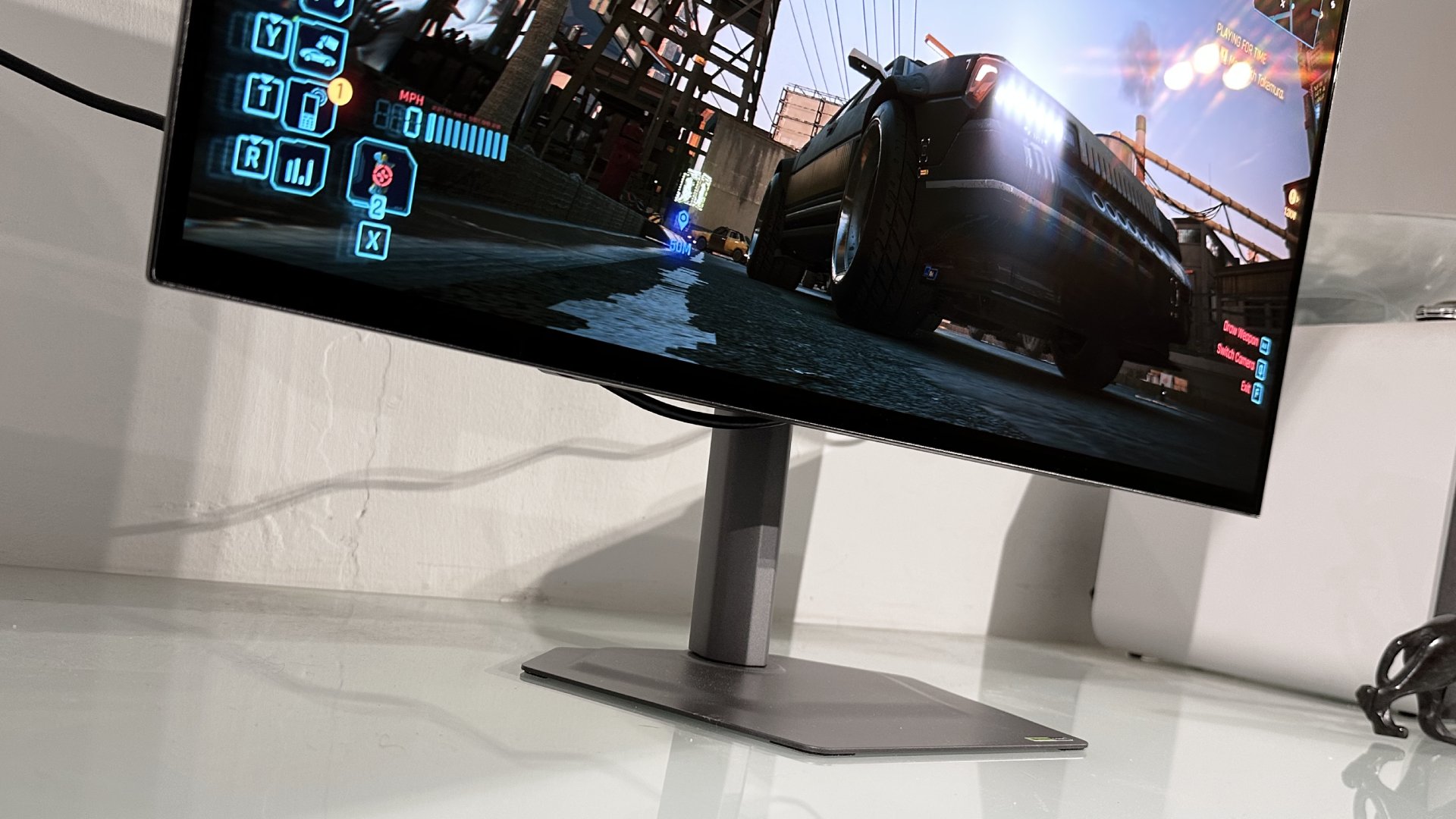
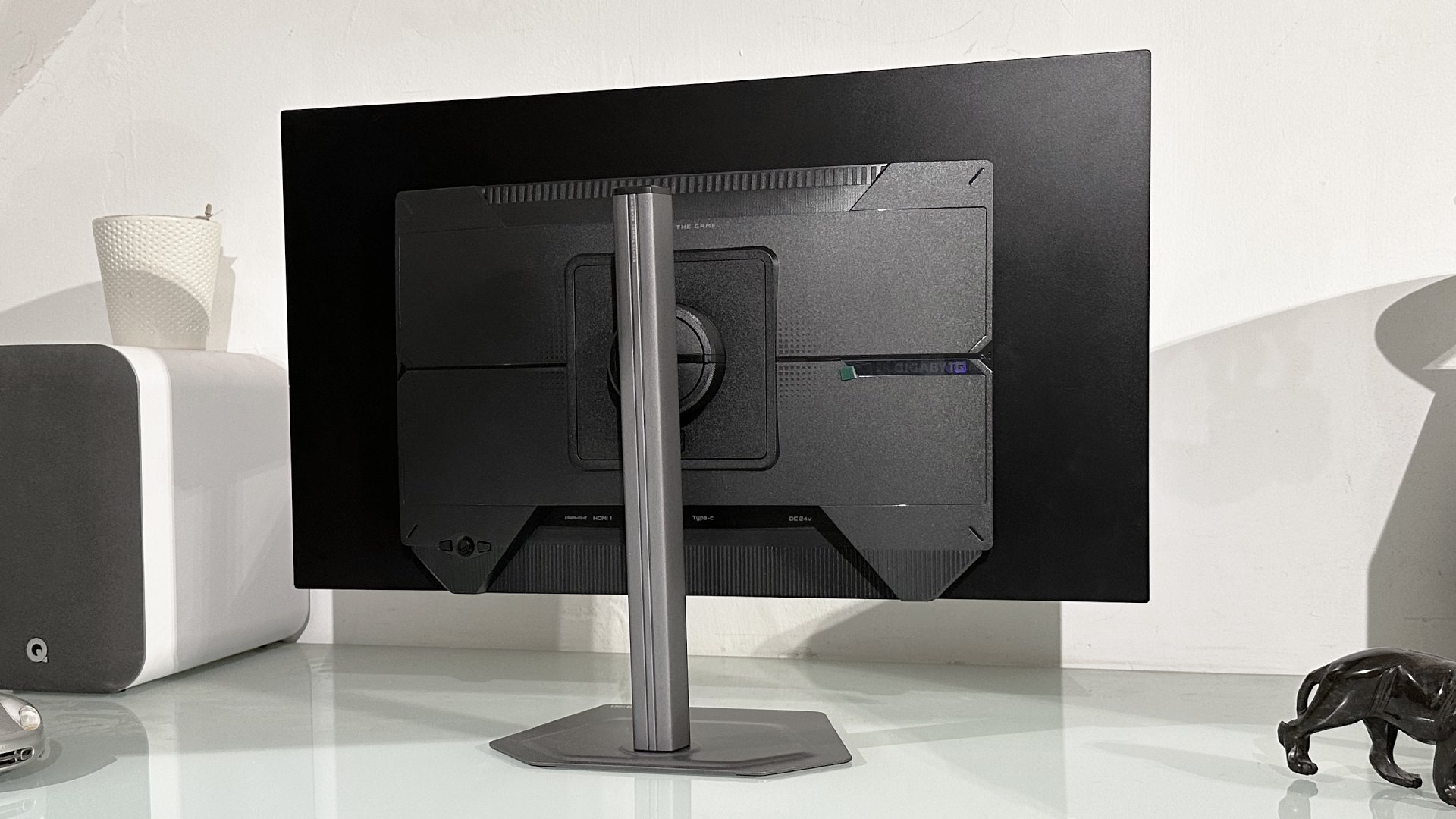
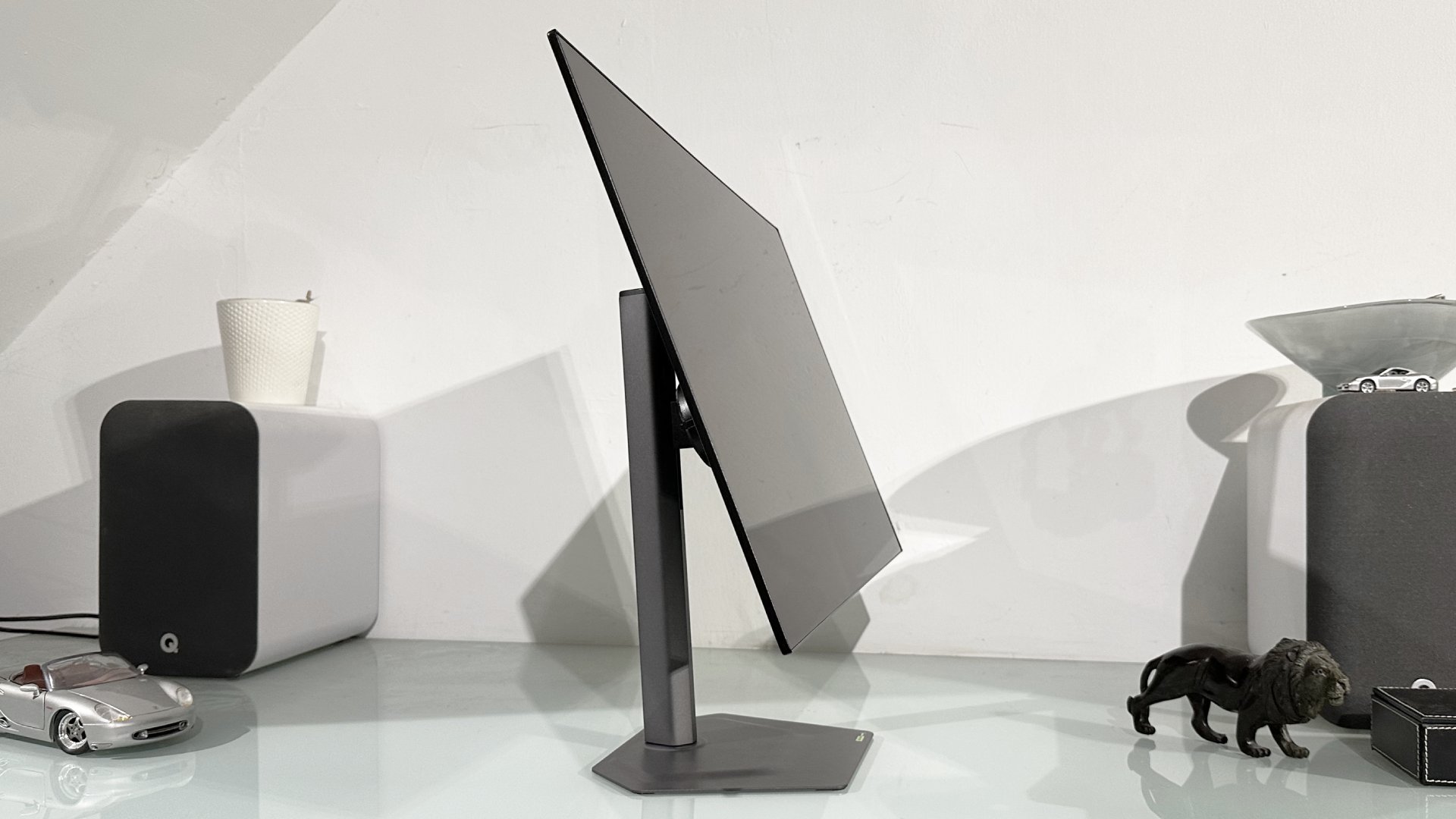
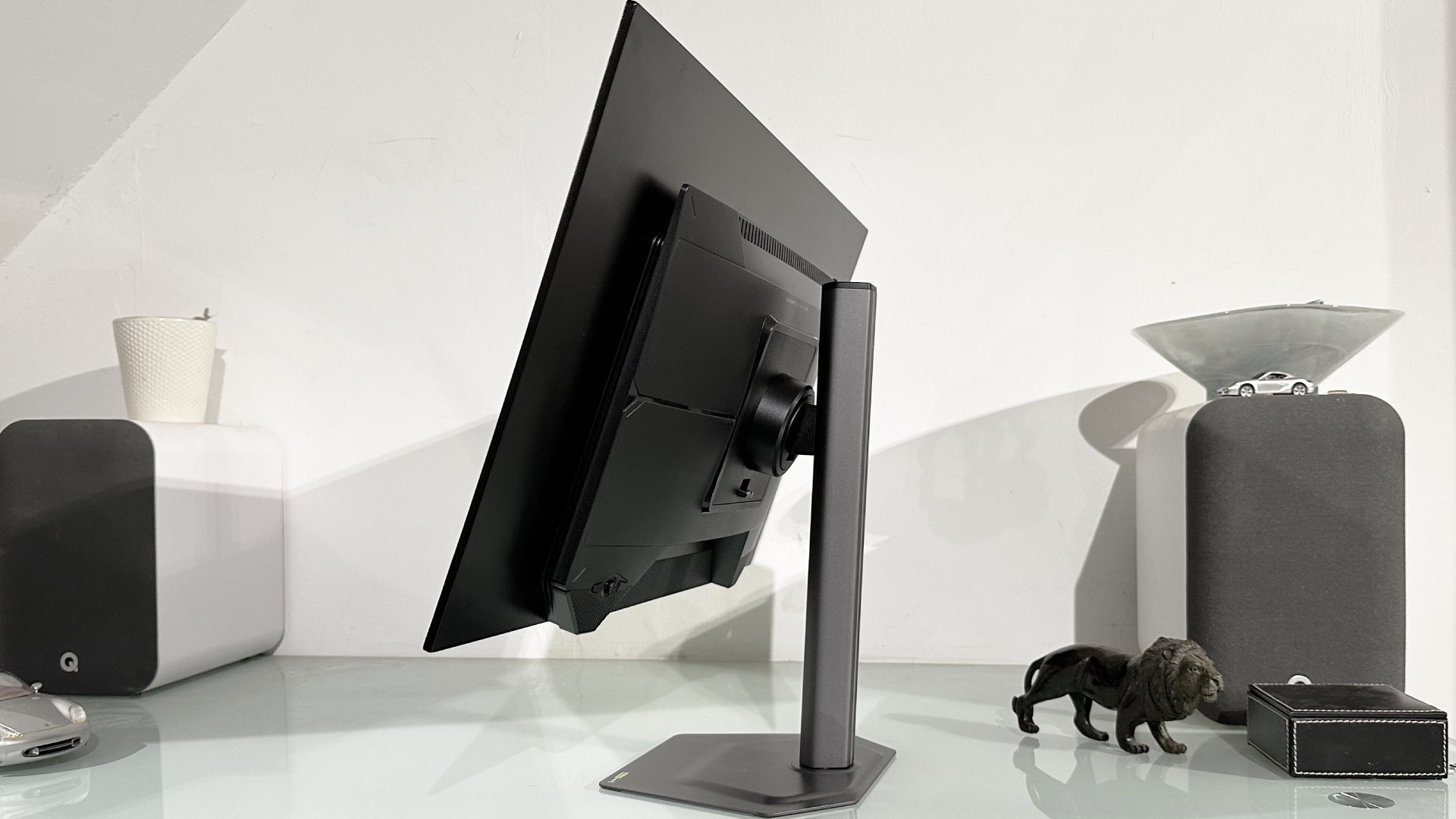
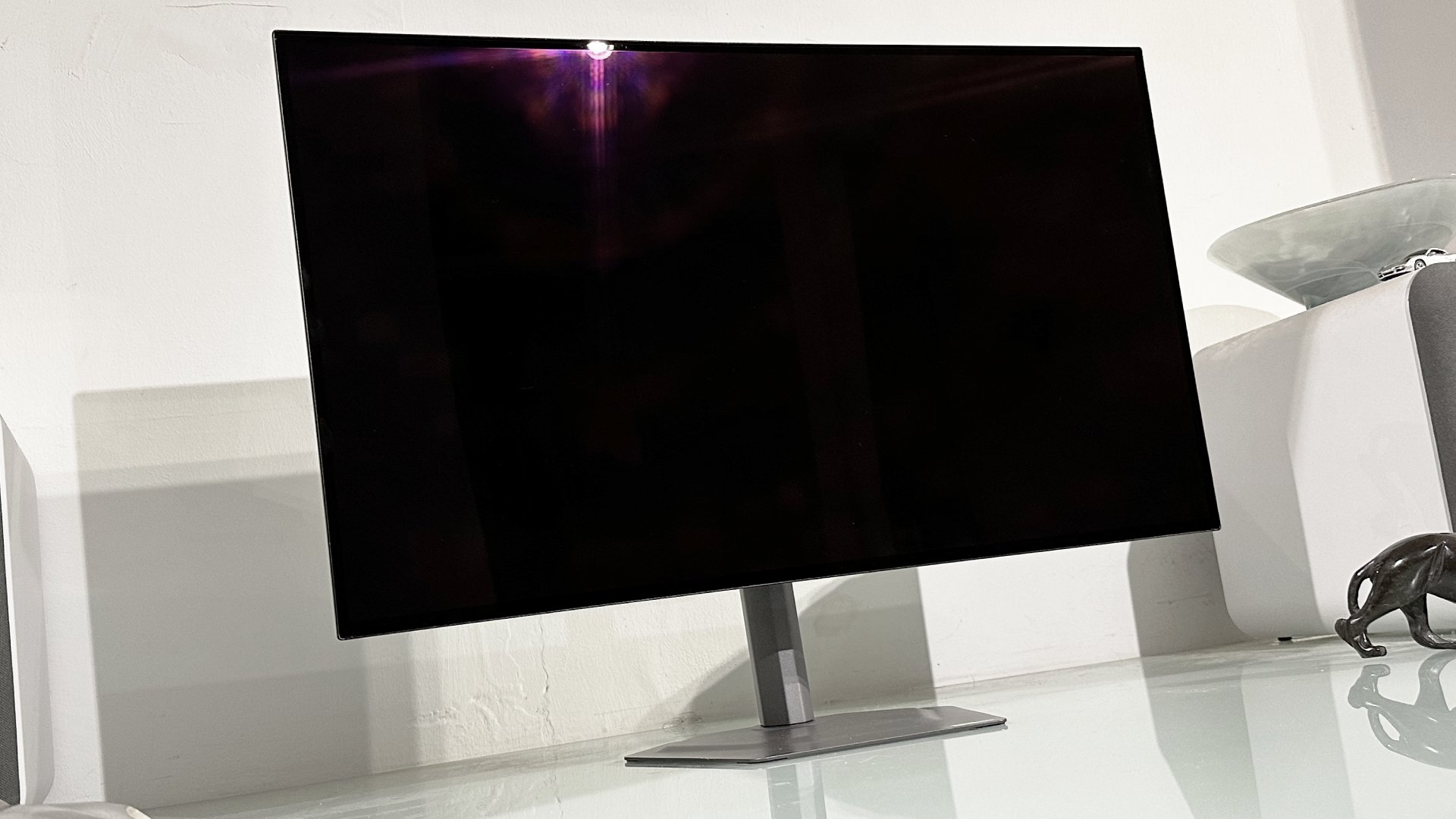
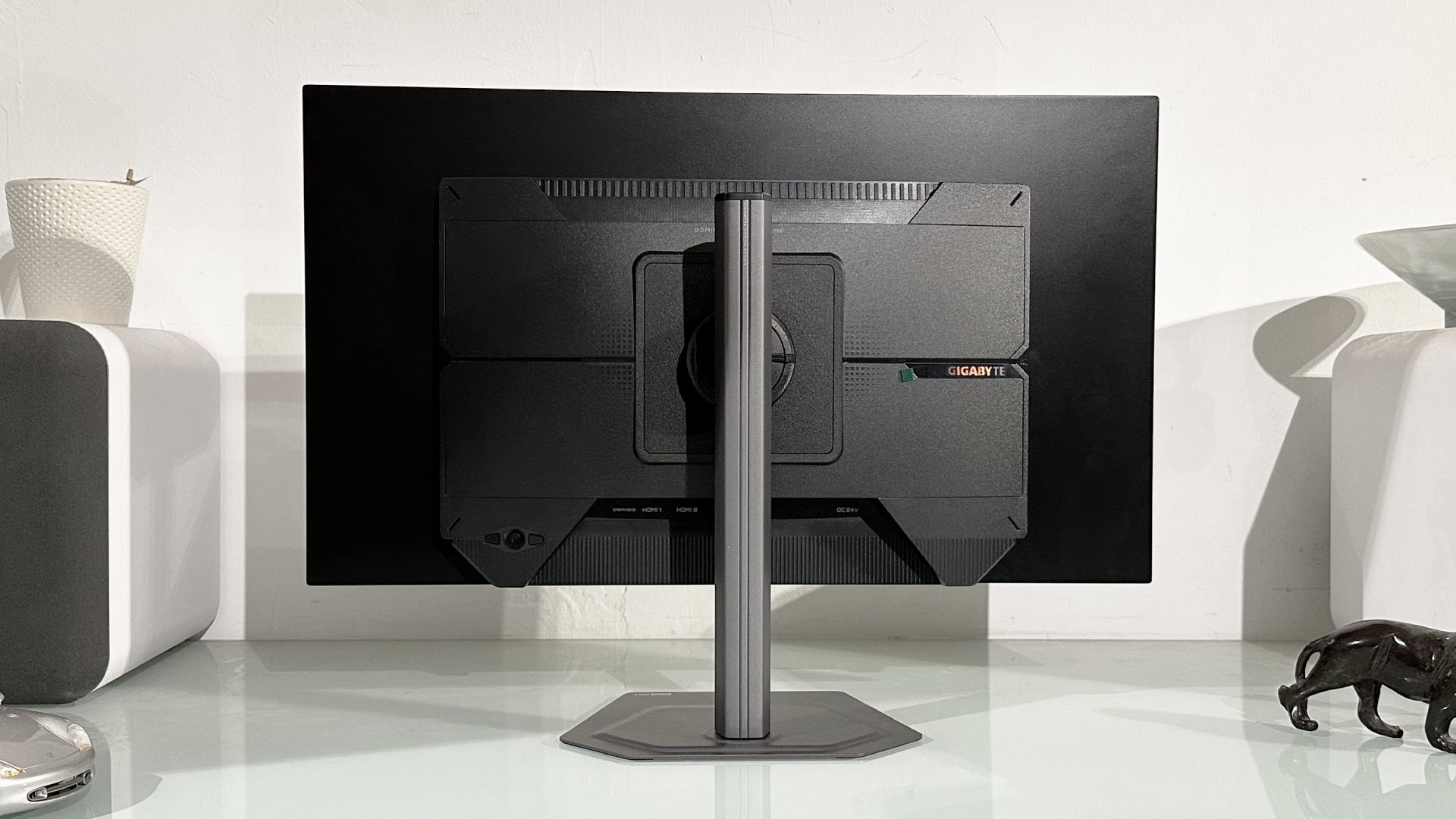
In a market stuffed with slightly cheesy monitors saddled with adolescent styling details, the Gigabyte GO27Q24G is mature but slick and minimalist. It's also very nicely built, with the same metal base and stand as the MO27Q28GR, which offers a full range of adjustment including pivot into portrait mode.
Screen size | 27-inch |
Resolution | 2,560 x 1,440 |
Brightness | 275 nits full-screen, 1,300 nits HDR 1.5% APL |
Response time | 0.03 ms |
Refresh rate | 240 Hz |
HDR | DisplayHDR TrueBlack 400 |
Features | LG WOLED panel, adaptive sync, HDMI 2.1, DisplayPort 1.4, USB-C with 18 W (45 W dynamic) PD |
Price | $499 | £449 (estimated) |
✅ You want affordable OLED tech: The Gigabyte GO27Q24G isn't the very cheapest OLED monitor around, but it is pretty affordable and its street price will probably improve over time.
❌ You want a cutting-edge OLED experience: Compared to LG's newer WOLED panel, this older-gen display is noticeably duller and dingier.
Specs-wise, the older WOLED panel tech means 275 rather than 335 nits full-screen brightness and 1,300 peak HDR nits in a 1.5% window. The latest WOLED panel is rated at 1,500 nits peak HDR. The GO27Q24G also only has VESA DisplayHDR True Black 400 certification and therefore doesn't get the upgrade to True Black 500.
Another differentiation point is the refresh rate, albeit not to a dramatic extent. Gigabyte has specced this monitor up to 240 Hz, where the MO27Q28GR is good for a few more frames per second, namely 280 Hz. That 40 Hz gap, however, isn't a convincing reason to favour the more expensive monitor.
Rounding the panel specs out are 0.03 ms response times and 99% coverage to the DCI-P3 colour gamut. The pricier MO27Q28GR panel is quoted at 99.5% of DCI-P3, but honestly that's a fairly academic distinction that probably exists primarily for market differentiation as opposed to being something you'd actually benefit from or notice in use.
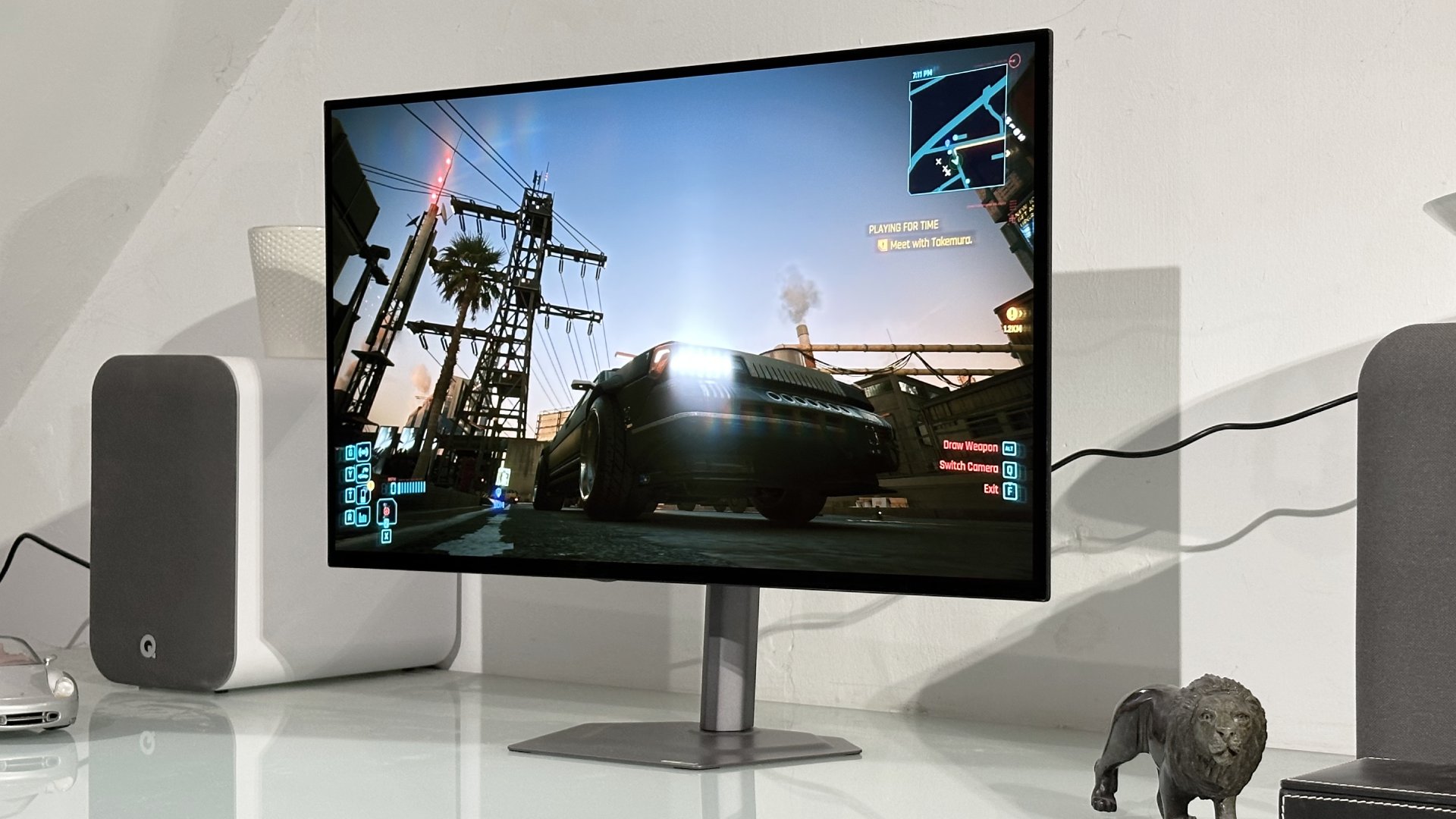
For the record the GO27Q24G has a glossy panel coating, just like the MO27Q28GR. Given the "R" in MO27Q28G stands for "RealBlack Glossy" and the GO27Q24G, too, has that very same RealBlack Glossy anti-glare coating, you could say that's a bit odd. But then, since when did monitor model names make the slightest bit of sense?
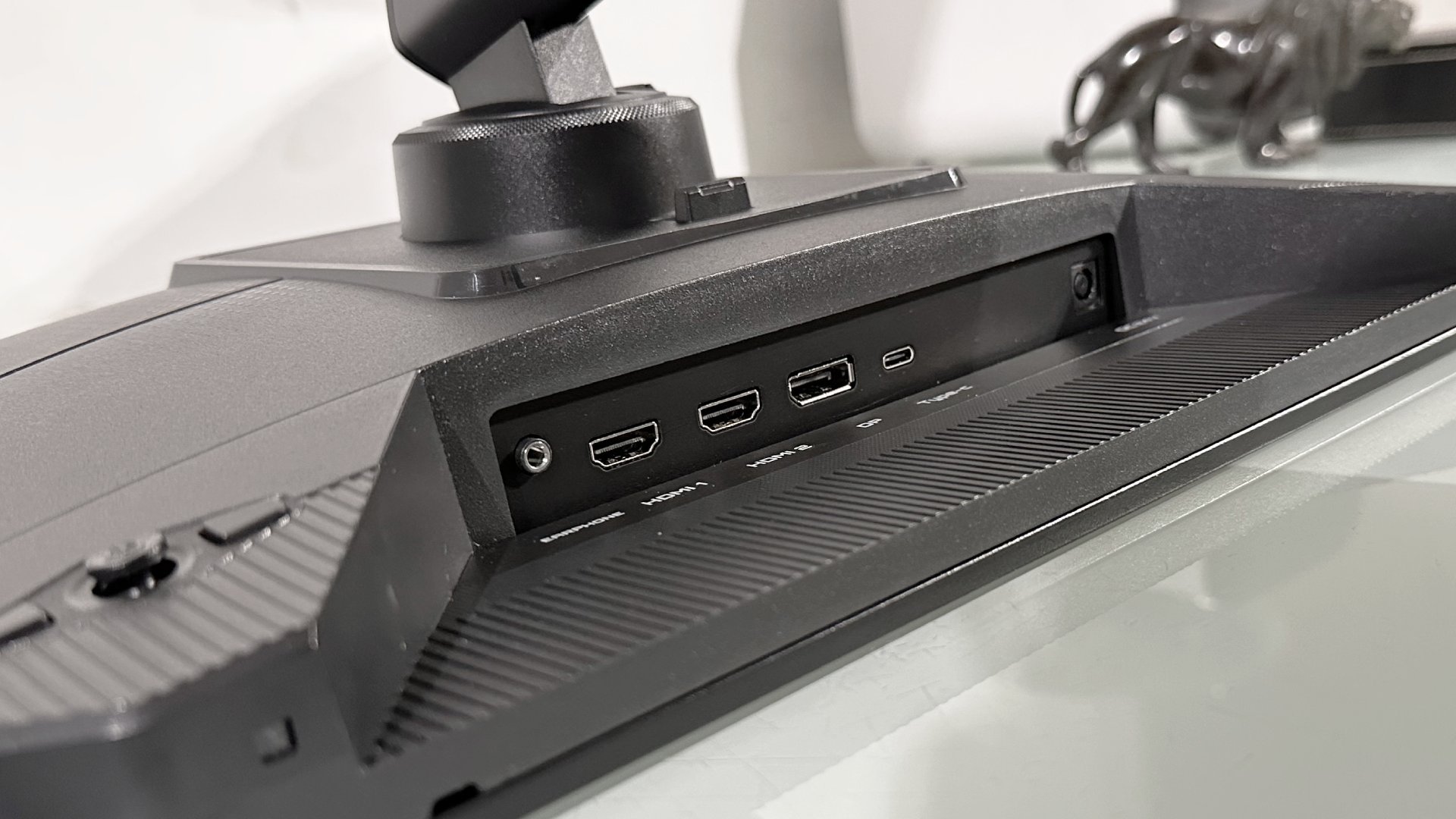
Whatever, just as the stand and chassis are shared between the two models, connectivity is also largely carried over. That means you get two HDMI 2.1 ports, DisplayPort 1.4 and USB-C with 18 W of power delivery, plus a 45 W dynamic mode. You're not going to be running a beefy laptop with those kinds of power delivery specs, of course. But what that USB-C interface does allow for is, say, sharing this monitor between a gaming rig and a thin-and-light work laptop.
The only difference regarding connectivity is the absence on this model of a two-port USB-A hub, which is a bit of a pity and feels like penny pinching given the panel downgrade. Still, this is a great looking and mostly well-featured display. The really pressing question, however, is just how much you lose out on by settling for that older-gen WOLED panel.
Running it side-by-side with the newer MO27Q28GR is certainly instructive. The first thing to understand is that, in subjective or experiential terms, monitor brightness isn't linear. In other words, a 500 nit panel doesn't look twice as bright as a 250 nit monitor to the human eye. The subjective delta is significantly less. With that in mind, you might think that 275 nits versus 335 nits is a pretty incremental upgrade. And it is in some scenarios, but crucially not in all.
The really pressing question is just how much you lose out on by settling for that older-gen WOLED panel.
If you want the punchiest SDR experience out of any of these OLED panels, you need to ramp down or disable the automatic brightness limiter. That allows the display to hit higher peaks provided you're not lighting up too much of the panel. As you increase the proportion of the screen that's being driven hard, the overall brightness is attenuated. That's just how OLEDs currently work. They can hit really high peak brightness, but only in small portions of the display.
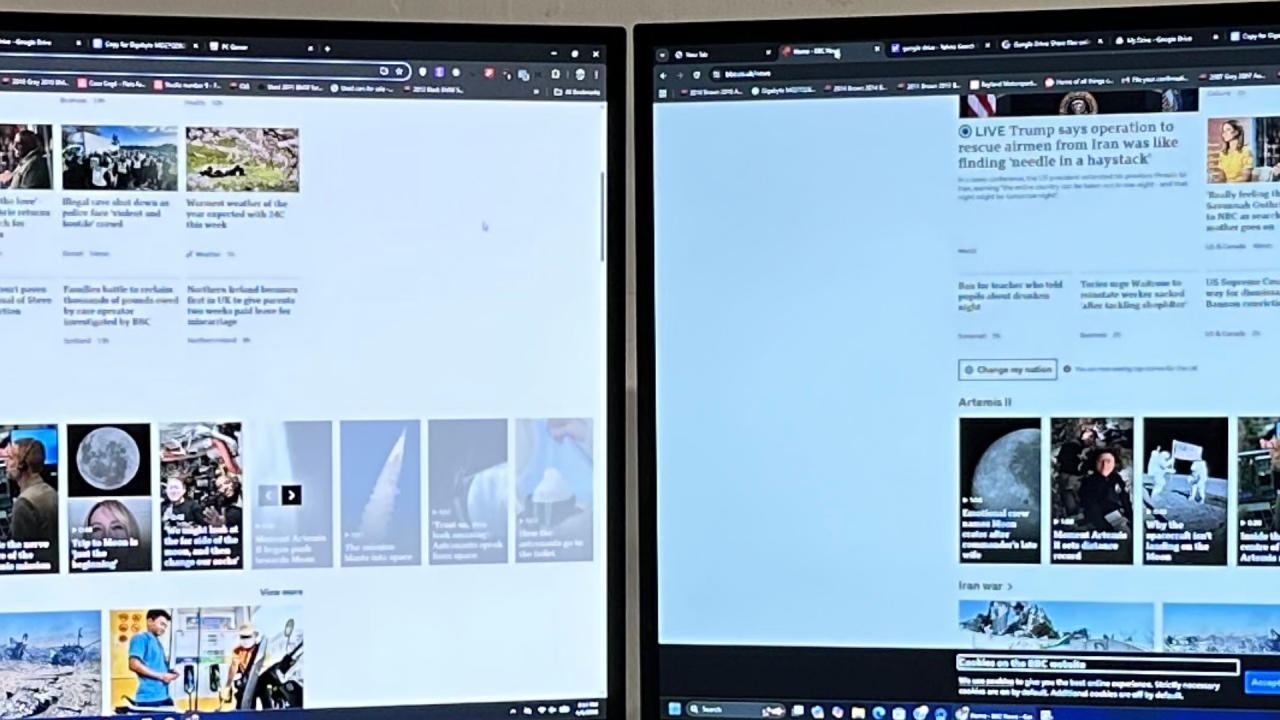
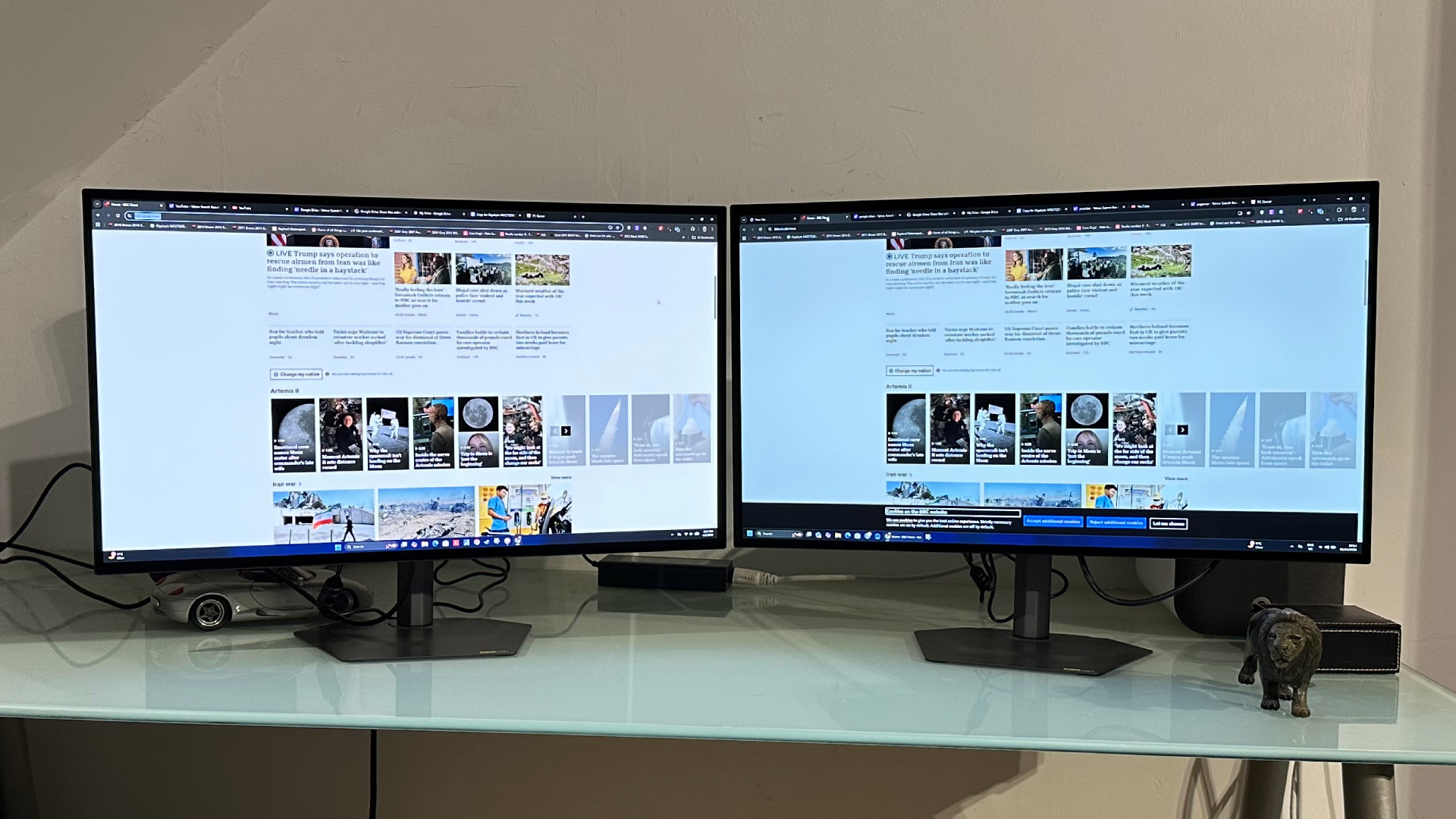
Anyway, so configured there are clear differences between the two displays. The toughest test is opening a large, mainly white application window. Both panels will dim noticeably. But the MO27Q28GR, with the newer LG WOLED panel not only dims less, it has a cleaner, whiter image compared to the dingier, slightly green-tinted GO27Q24G.
So, while the brightness gap isn't subjectively huge, the newer panel looks noticeably more punchy and vibrant, if anything beyond what the on-paper numbers might have you expect. Perhaps surprisingly, it's certain grey tones where the difference can be most clearly seen, with this older panel looking much darker. But the colours generally are also just that little bit duller.
That isn't to say that this monitor is a disaster, however. At its best, it can deliver a pretty eye-popping experience. As ever when it comes to OLEDs, it's the perfect per-pixel lighting thing in darker HDR scenes with bright details where this display excels. Think starfields or an urban setting like a basement nightclub with neon lights or a laser show.
In that scenario, there really isn't much to choose between this display and the MO27Q28GR, other than the latter having slightly richer colours and cleaner white-tone details. You don't really notice the 1,500 nits versus 1,300 nits peak brightness.
Then you fire up a brighter outdoor game scene, maybe the midday desert wastelands of Cyberpunk and that's when the full-screen limitations and ever so slightly muddy colours become more apparent. To be clear, the GO27Q24G is not a disaster, it's just a little bit dull and disappointing.
The GO27Q24G is not a disaster, it's just a little bit dull and disappointing.
All that is despite the fact that Gigabyte has rolled out its so-called HyperNits tech for this panel, too. HyperNits is essentially the same as MSI's EOTF Boost mode as seen in many recent MSI monitors, including the MSI MPG 341CQR QD-OLED X36.
The idea with both MSI EOTF Boost and Gigabyte HyperNits is to solve the problem where the VESA certified HDR mode gives the best results for bright scenes and the peak HDR mode calibrated for the panel's maximum HDR brightness is best for darker scenes.
Gigabyte's HyperNits feature therefore boosts the monitor's EOTF curve in HDR 1300 mode, bringing brighter scene performance level with the HDR True Black 500 mode while maintaining the really sizzling HDR 1300 highs for small details. And it works well enough, it just can't do anything to actually improve the full screen brightness. Really the HyperNits feature means that the HDR 1300 mode is the best all-round option for HDR games and video and saves you having to even think about switching modes depending on content brightness.
While we're on the subject of switching modes depending on content type, this monitor's SDR calibration in HDR mode is a bit of a mess, which is surprising given the MO27Q28GR is at least good by that measure in its default VESA HDR mode. With this monitor, the SDR colours are really off in the favoured HDR 1300 preset, which means you'll need to switch between SDR and HDR modes in Windows depending on content type to get the best experience. Annoying, given I'd hoped we were past that.
Another more universal limitation is pixel density. 1440p on a 27-inch monitor makes a lot of sense for gaming. There's decent image detail while not making the same huge demands on your graphics card as, say, 4K. The downside is that when you're not gaming, this is a slightly pixellated, blocky looking monitor. By that measure, it's actually a little worse than a 1440p LCD monitor thanks to the RGWB rather than RGB subpixel structure of the WOLED panel. That has a particular impact on fonts, which aren't terribly smooth or crisp.
When you're not gaming, this is a slightly pixellated, blocky looking monitor.
How much of this matters probably depends on your gaming-to-general-computing mix. If you're all about gaming, it's probably a case of 'who cares?' But for all-round computing, the low-ish pixel density is a bit more of a bummer. That's especially true when you consider that Gigabyte itself will sell you a super-sharp 4K 27-inch OLED for about $150 more.
If things are sounding a little downbeat up to this point, I should mention that this is a very quick monitor with extremely rapid pixel response. Okay, 240 Hz is nothing special these days, but combined with 0.03 ms response, this is still a very fast panel with excellent motion clarity and minimal latency. My competitive Counter-Strike days are long behind me, but for some light to moderate online fragging, I'd be very happy with this panel.
In the end, this all comes down to whether the $100 saving that comes with the Gigabyte GO27Q24G makes for good value. You could well conclude $100 is a lot to pay for the slightly brighter experience from Gigabyte's MO27Q28GR sibling. But I'd argue the extra $100 is well worth spending. Where this monitor can feel pretty underwhelming at times, the MO27Q28GR is much more consistently satisfying.
Long story short, then, the critical question is whether you would rather spend $499 and be slightly disappointed a fair bit of the time or $599 and be mostly very pleased? $599 might be a lot to spend on a mere 1440p panel. But $499 somehow feels like a whole lot more to stump up for something that's often just a little underwhelming.