
There's plenty to do in the vanilla valley, but the sky is the limit once you learn how to install Stardew Valley mods. With so much community support, it's an easy game for first-time modders to dive into, but modding can still be an intimidating task.
The modding scene for ConcernedApe's farming sim is easily one of my favorites, and with a good primer on the basics maybe it can be one of yours, too. To help you get there, I'll walk you through how to install Stardew Valley mods with a breakdown of SMAPI (a required framework for loading mods), popular download resources, and getting started with a mod manager.
How to install Stardew Valley mods
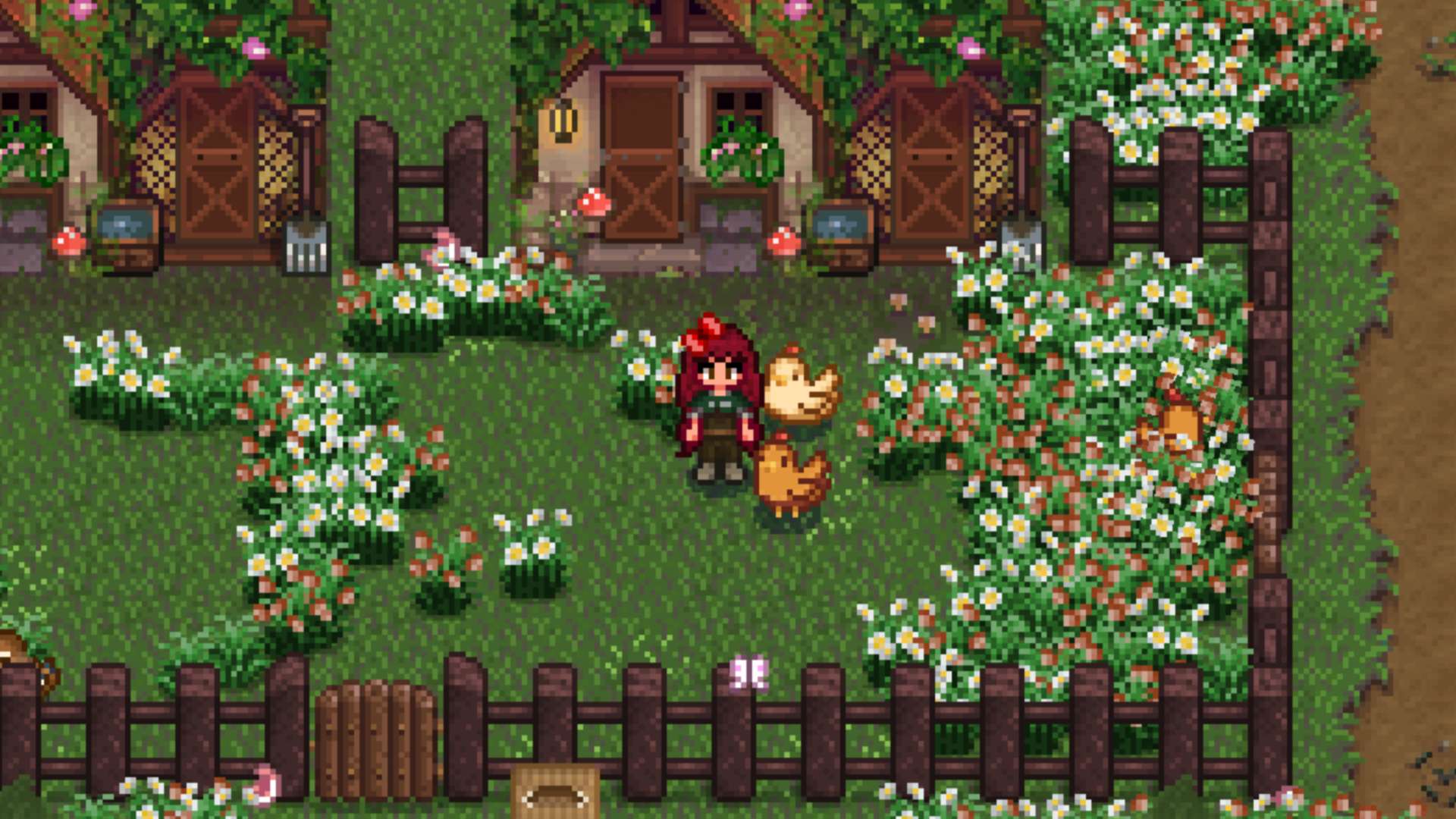
This guide is organized into three parts. We'll start by downloading basic Stardew Valley mod tools, then go on to installing SMAPI and the Stardrop mod manager. Players familiar with the first steps can use the navigation on the left to skip ahead, or keep on scrollin' to start from square one.
Download basics like SMAPI and Stardrop first
You'll need a few basic tools to install Stardew Valley mods and get them running smoothly. I strongly recommend downloading Stardrop and Content Patcher, but the Stardew Modding API (SMAPI) is the only absolute must.
To follow along with the guide, download SMAPI, Stardrop, and Content Patcher. Extract all three to a central folder for easy access.
Tool | Utility | Required | Description |
|---|---|---|---|
SMAPI | Mod loader | ✅ | Popular framework for launching Stardew Valley with mods |
Stardrop | Mod manager | ⚠️ | Keeps files organized with options for updates or multiple profiles to enable or disable certain mods |
Content Patcher | Mod tool | ⚠️ | Dynamic mod loader, allows mods to load without replacing game files. Technically not required, but strongly recommended |
Alternative Textures | Mod tool | ❌ | Similar purpose to Content Patcher, but less common |
Where to find Stardew Valley mods
You can download individual mods from popular hubs listed below, but get the basics above up and running before amassing any unwieldy collections.
- Nexus Mods
- Curseforge
Where to find the Stardew Valley mod folder
Your Stardew Valley mod folder should be inside of your game directory. You'll want to have the exact folder directory handy to make sure SMAPI and Stardrop sort mods into the correct directory.