
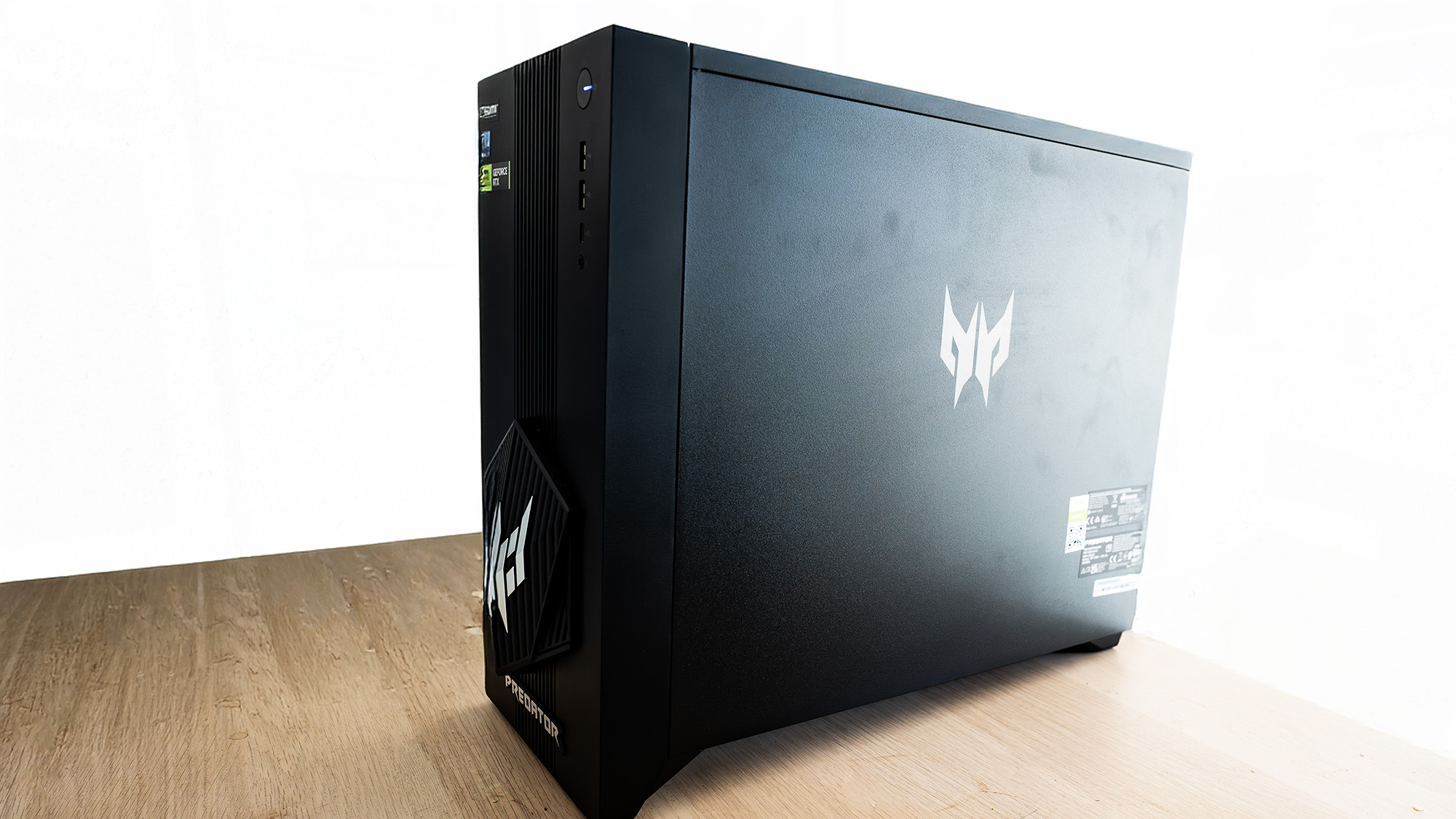
Reviews should always start with the most important piece of information, so here it is: you can't store your prized collection of lightly used cricket balls on top of the Acer Predator Orion 3000. Why not? Because it slopes backward, and they'll end up on the floor. The front support foot is slightly taller than the back one, giving it a lean of, if a fun 10 minutes spent with a spirit level and a child's protractor have produced correct results, about 10 degrees.
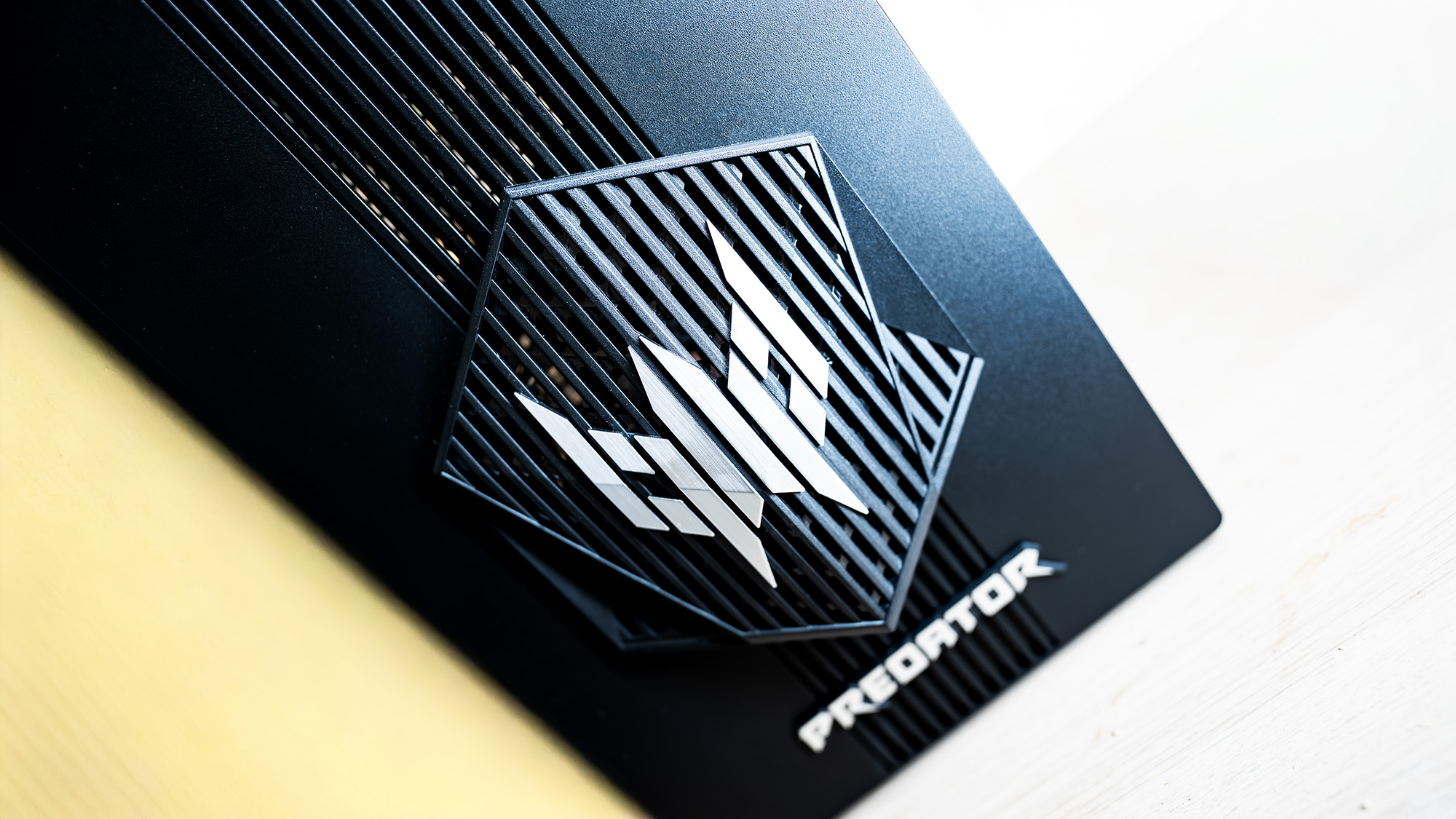
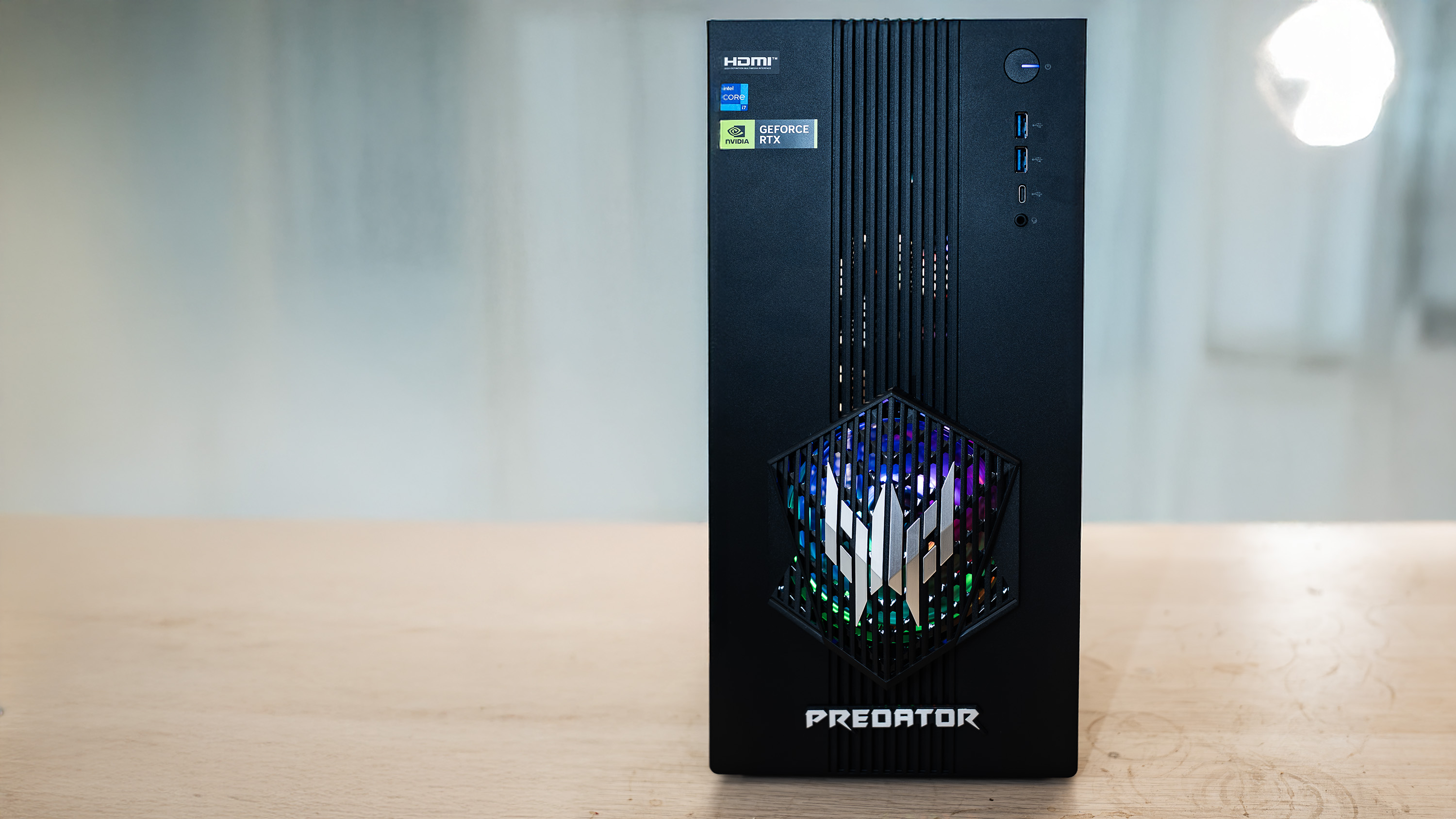
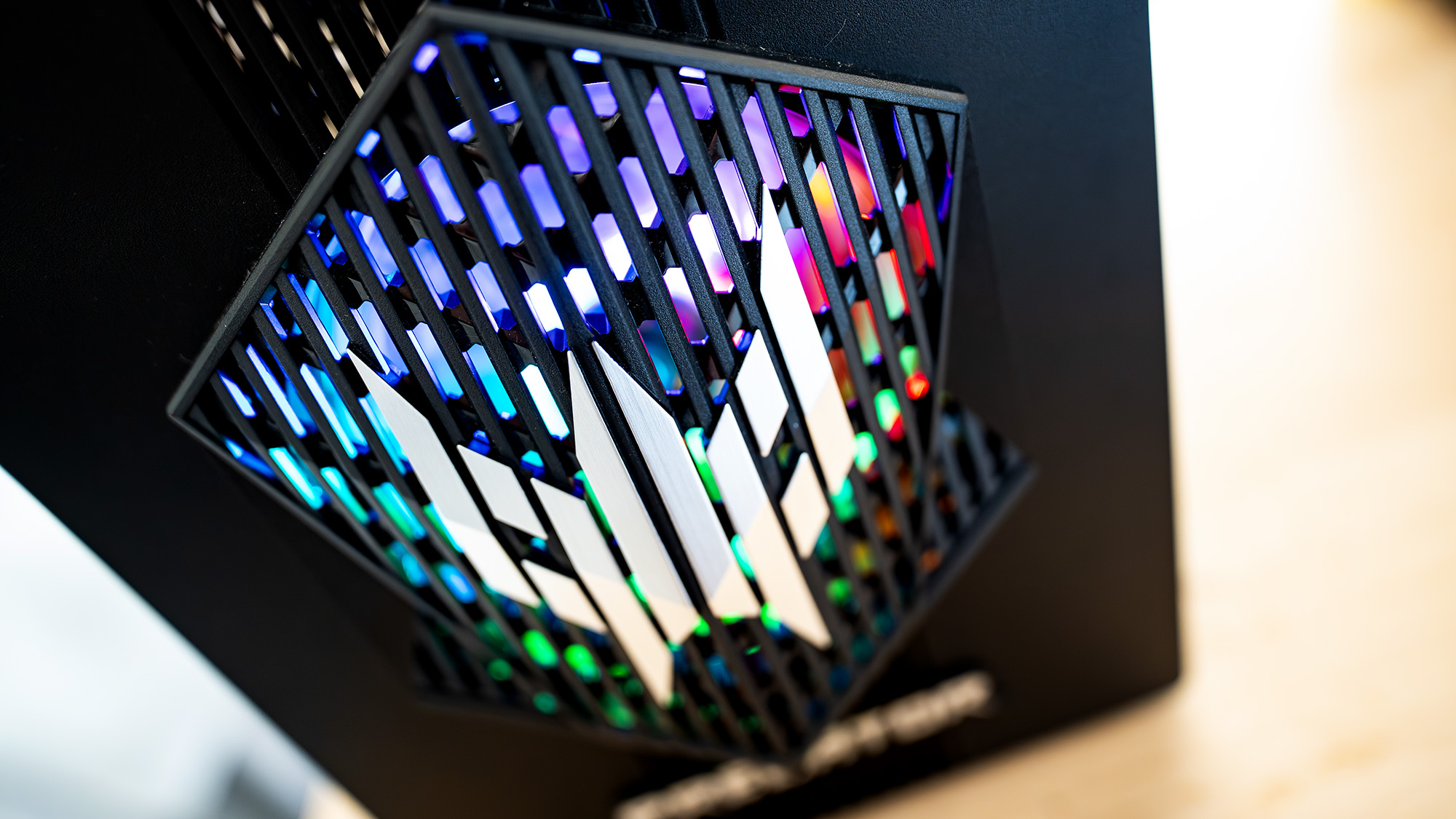
This means you can still rest your coffee mug on the top, as long as it's not too full, but also that, if you're buying this smaller-than-average tower PC with the intention of it flitting flush with a piece of furniture, it won't. This may or may not be a problem, depending on how picky you are about these things, but the Predator logo that sticks off the front and looks rather like someone melded a Space Invader with a Decepticon means you might want to push it back a little further.
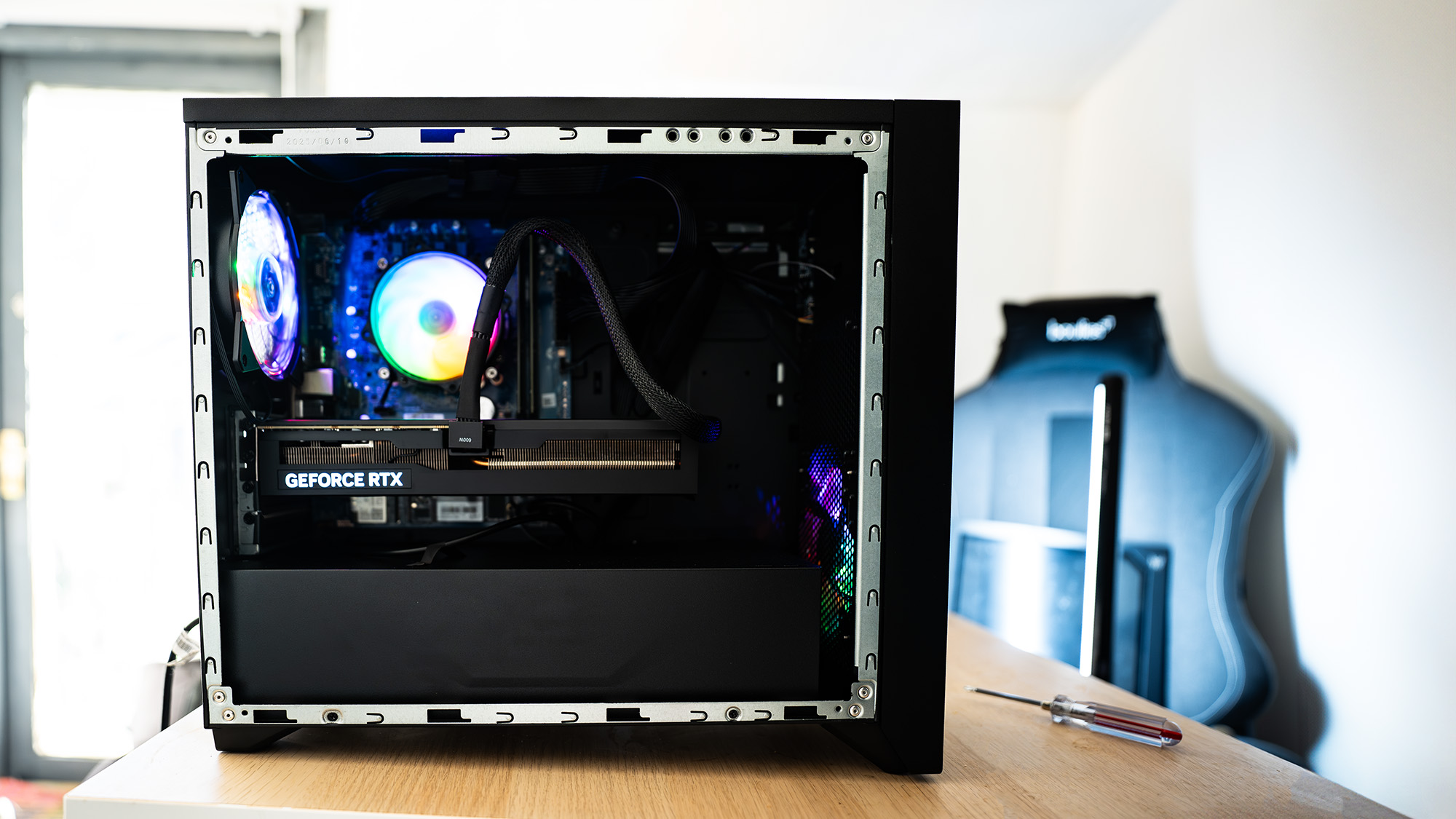
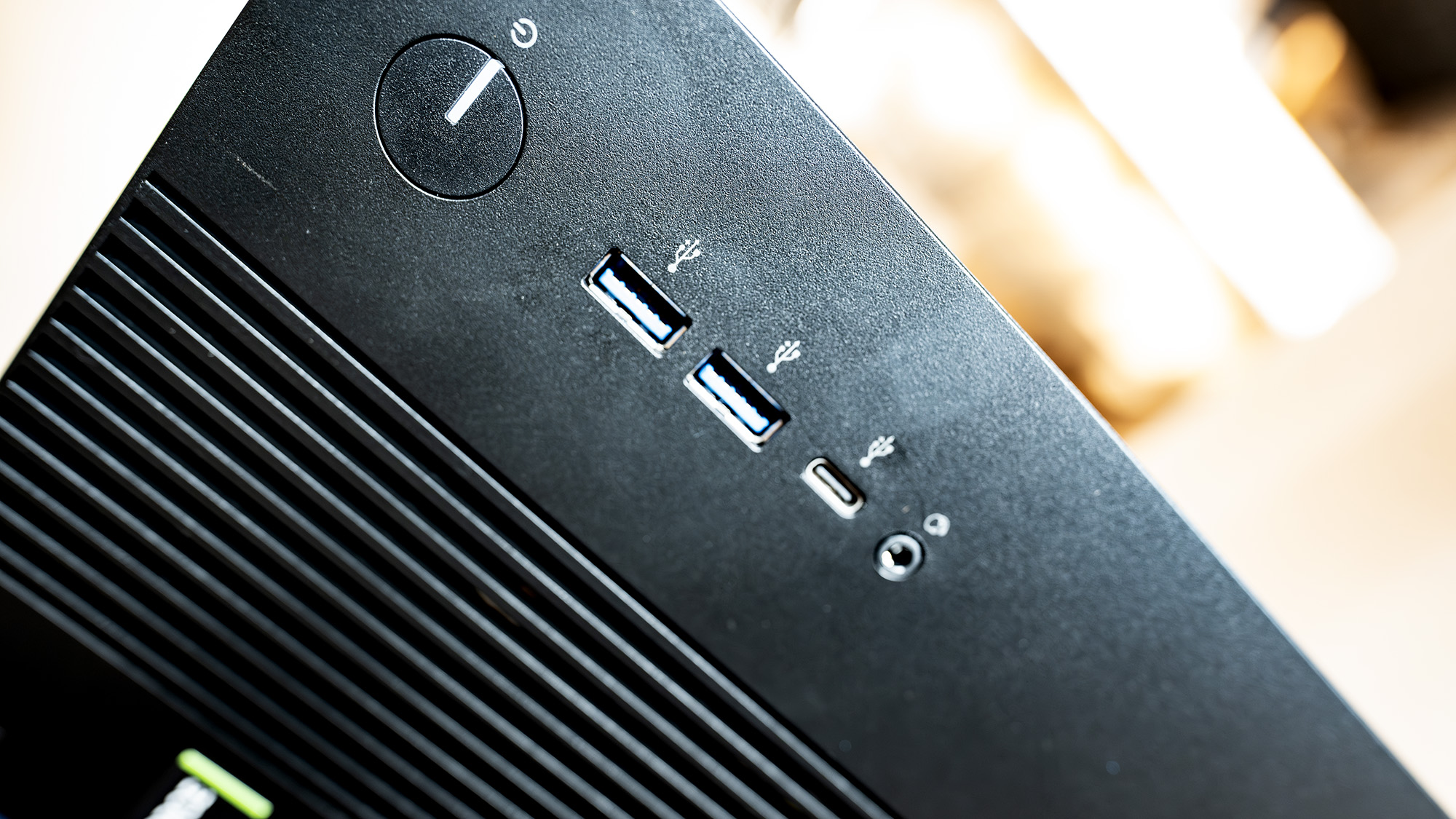
Despite its drunken lean, it's not a bad case. The front panel ports are easy to get to, there's a bit of RGB behind that logo, and it's nicely compact at 28 litres, though slightly larger than previous Orion 3000 cases, which were 26 litres. Pre-built PCs in smaller cases can have a bit of a reputation for losing performance unless their cooling solutions are particularly well designed, but the simple fan over the CPU here may be the least of the Orion 3000's problems.
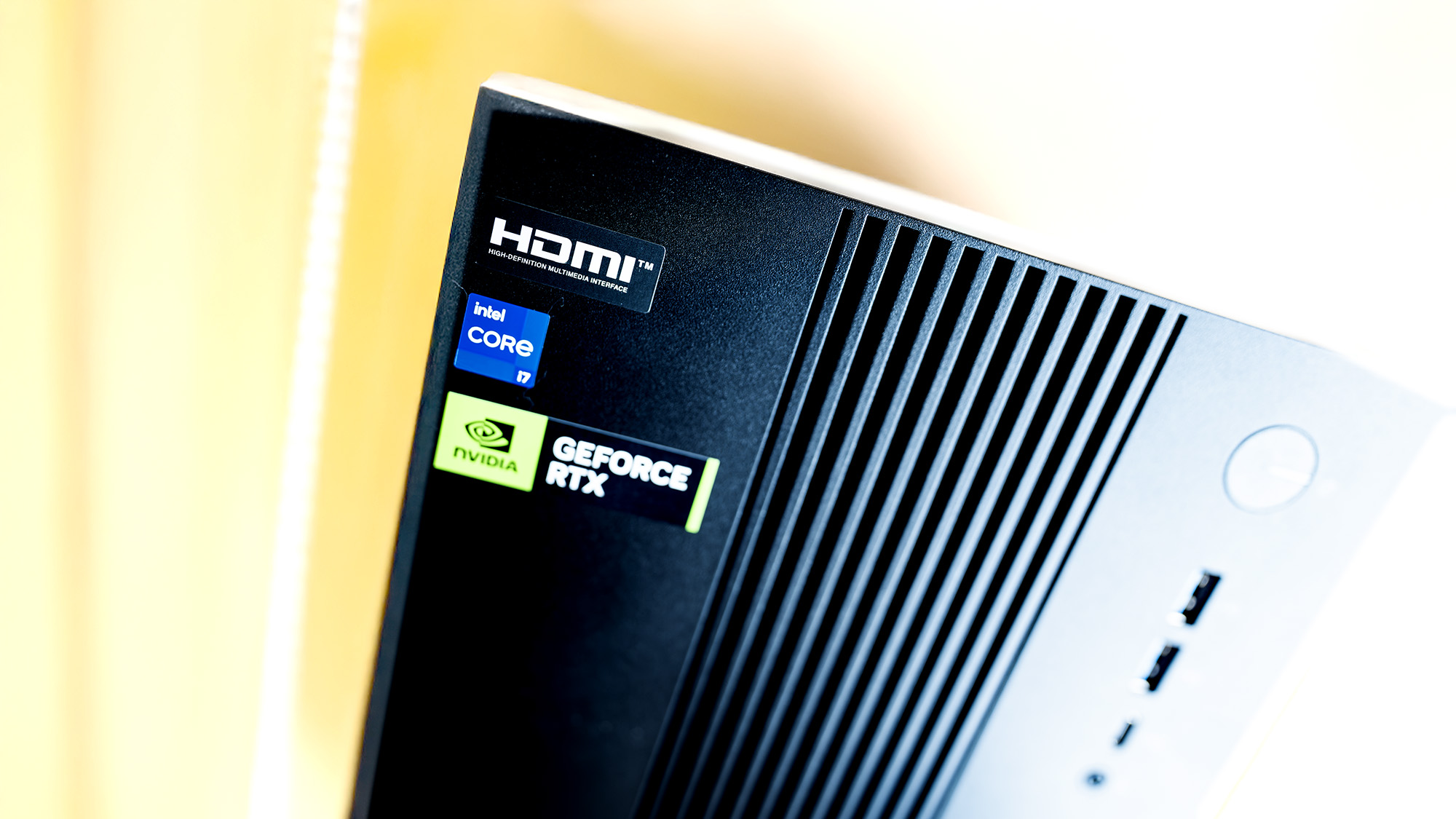
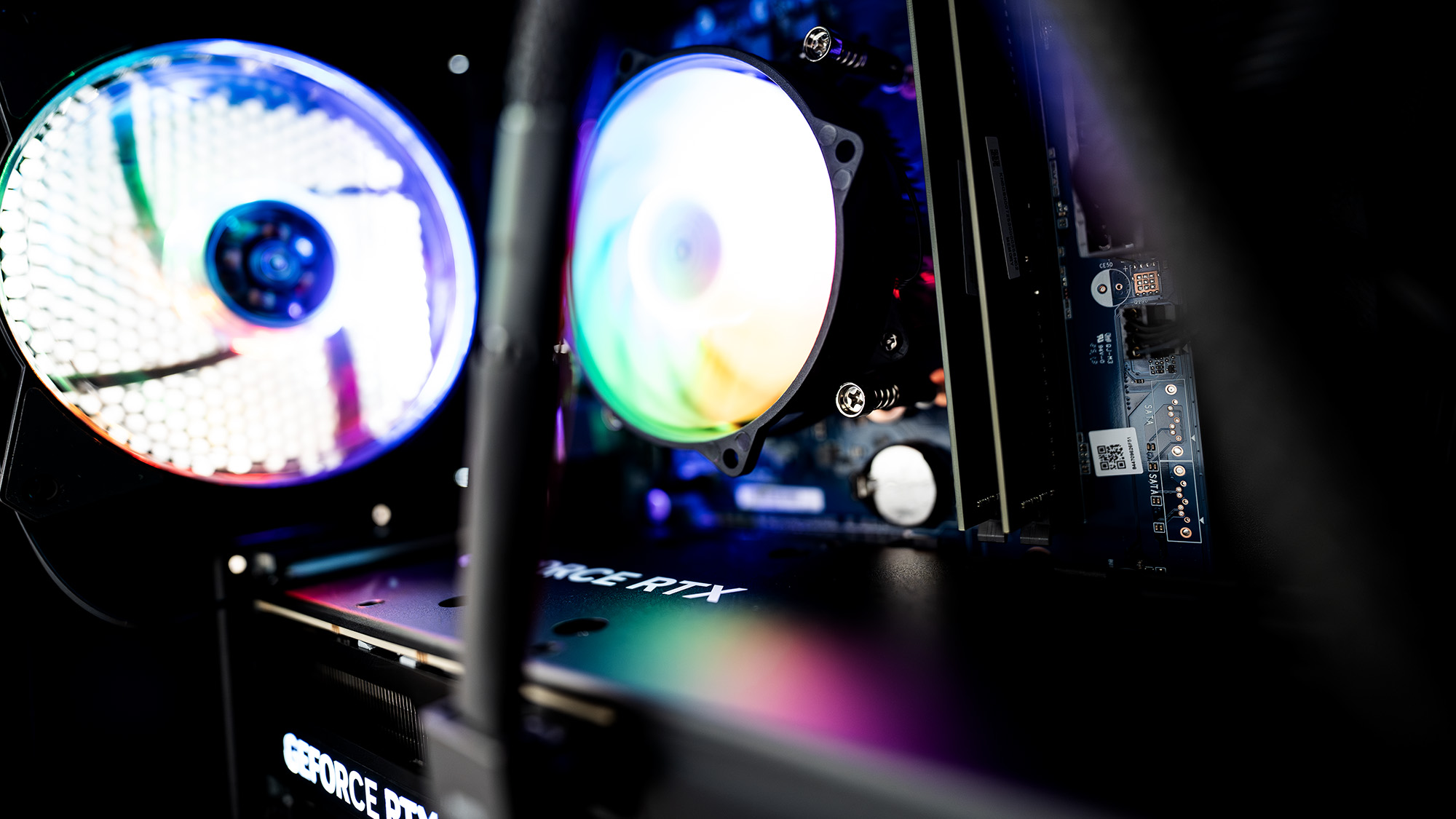
For a start, 2025's Christmas tree is well and truly up as I write, and here's a PC with a 14th-gen Raptor Lake CPU that launched in January 2024. It's quite a good one, admittedly, with 20 cores, 28 threads and a max turbo frequency of 5.3 GHz. It starts up incredibly fast from cold, and even after going through the PCG benchmark suite never got too hot, which is remarkable when you look inside and see a plain RGB fan over the CPU with no gigantic heat sink in sight.
CPU | Intel Core i7-14700F |
GPU | Nvidia GeForce RTX 5070 (12GB) |
RAM | 16GB DDR4-3000 |
Storage | 1TB SSD |
Ports | Ethernet, 4x USB 3.2 Type-A, 1x USB 3.2 Type-C, 4x USB 2.0, 3.5mm audio, keyboard/mouse |
Wireless connectivity | Wi-Fi 6, Bluetooth 5.3 |
Dimensions | 378 x 190 x 438mm |
Weight | 9.35kg |
Price | $1,500 | £1,399 |
✅ You want a pre-built PC that can play all the 1440p games: Sure, Acer's cut some corners, but you can't argue with the framerates, and GeForce tricks like DLSS can be leaned on to improve them further. It's also a nice looking, compact box of bits, and will suit smaller gaming spaces.
❌ Size matters: While a good performer within its chosen envelope, it's getting left behind in terms of its components, and its performance in the games of tomorrow may not match that of today. What I'm trying to say here is it lacks future-proofing, though it should be good enough for a while yet.
That's the good stuff. Now on to some criticism. Despite being built around what should be a PCIe 4.0 motherboard, the Airdisk APF10-001 SSD in the Orion 3000 is running at PCIe 3.0 speeds, and there's only 16 GB of DDR4-3000 RAM installed.
Is this a cost-cutting measure for Acer to get its compact gaming PC under a financial limbo pole, or a savage indictment of the way the PC component industry has been cannibalised by the insatiable needs of the AI data centres? Or both? Either way, this feels like a PC that's fallen through the world's most unfortunate time portal, skipping two consequential years in the decline of western civilisation and reappearing just in time to witness its own gradual fade into obsolescence.
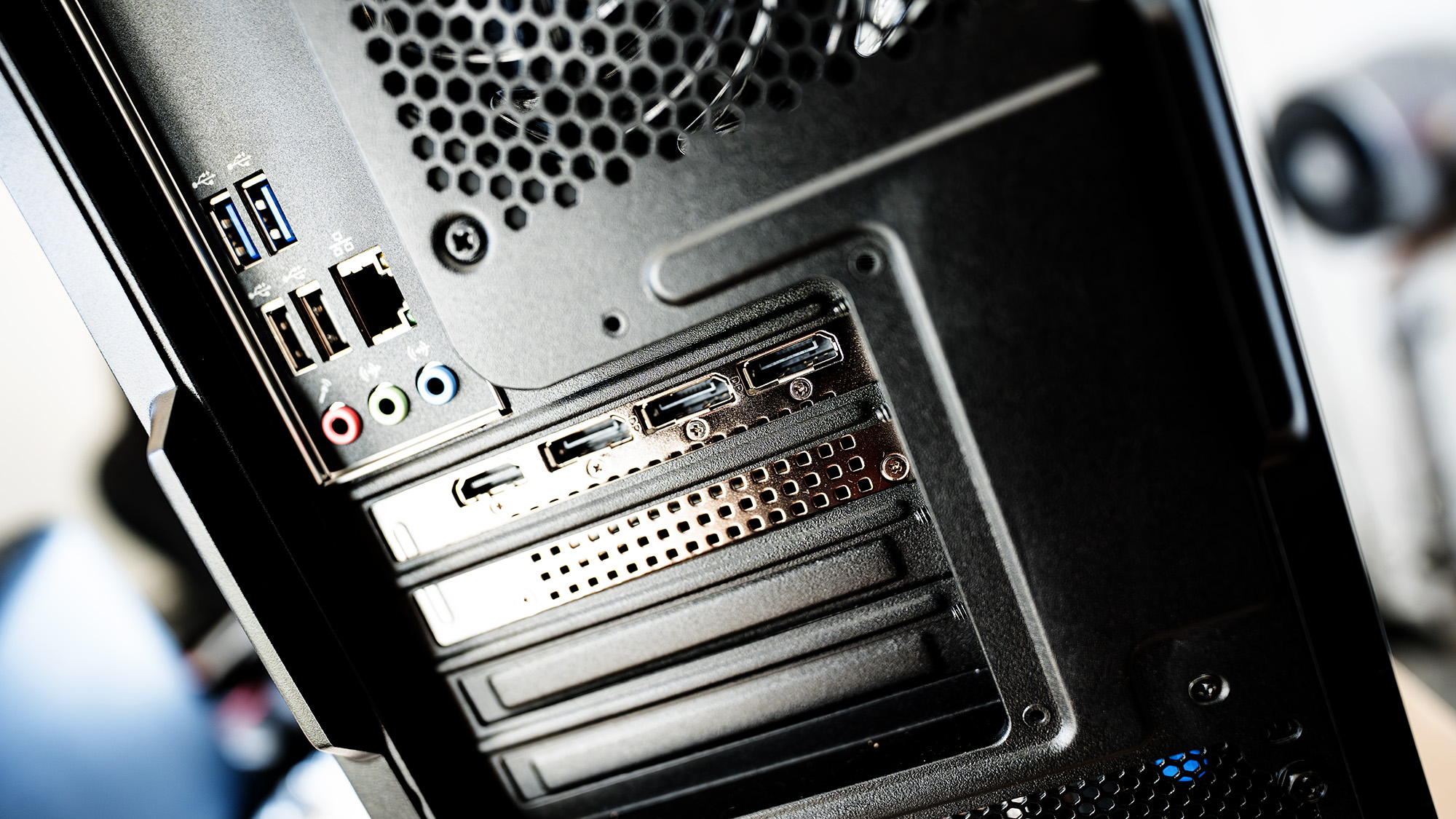
There's also not a lot of room for upgrades. Take the side panel off (which requires a screwdriver rather than using thumb-turn screws) and you'll find the SSD is buried behind the GPU, but could be replaced at the same time you swap the card out—an 850 W PSU gives a bit of headroom. It's also an odd feeling as we head into 2026 to open a PC case and see RAM sticks without RGB, branding, or even heat spreaders. There's no fast I/O either, with just one USB-C port running at 10 Gbps (on the front and easy to get at) plus a scattering of Type-A—four of them USB 2.0. Sorry Thunderbolt fans, there's nothing for you here. You also get an old-fashioned green and purple PS/2 keyboard and mouse connector, which makes you wonder where Acer dug this motherboard up from.
Still, that RTX 5070 with its 12 GB of VRAM gives it some nice pixel-pushing power for 1440p gaming, and the CPU really isn't that bad. It'll give you almost 60 fps in Cyberpunk's ray-tracing ultra mode, nearly 90 fps in Avatar: Frontiers of Pandora, and pop on a little upscaling and you can play Blackmyth: Wukong at 70 fps. That's all without touching frame-gen, which will easily double your Cyberpunk 2077 frame rate. It actually runs slightly better in GPU-limited games than I expected, coming close behind the scores posted by RTX 5070Ti- and even RTX 5080-equipped PCs in Avatar and beating those fitted with an RX 9070 XT.
And while it would be easy to critique Acer's choice of a basic CPU fan and one-in, one-out case fan arrangement to cool the Orion 3000, there's no denying it works. The i7's max operating temperature is 100°C, but I never saw it get above 92°C. The GPU peaked at about 72°C, which sits in about the middle of the incredibly intricate spreadsheet Dave keeps of these things, and idled much lower.
The downside of this isn't that it gets particularly loud—there aren't enough fans for that—but that it makes a weird grindy noise I never got to the bottom of. Hours of holding my ear to the side of the case while testing suggest it's the GPU, and it's a bit distressing, but none of the fans came off their bearings and it didn't appear to have any effect on performance. Desktop PCs often have idiosyncrasies you don't see in laptops, and this is one of them.
Which brings us to value. The RTX 5070 is a popular card among DIY system builders but less common among pre-built desktops. The performance you get for your money here is actually pretty good, especially if you can pick it up at a discount. The component choices keep the price down without forcing you to play at 1080p, though you'll need to factor in the additional cost of one of the best 1440p gaming monitors and a mouse and keyboard if this is going to be your first foray into PC gaming. For a similar price you could get Acer's own Helios Neo 16 AI gaming laptop, which on paper has better specs, but can't punch its way to the frame rate heights a desktop PC can.
It's fairly clear where the corners have been cut on the Orion 3000, but then perhaps—perhaps—PC gaming doesn't have to be about causing localised brownouts when you want to play a game due to only ever using the latest and greatest components. Perhaps it's about just enjoying yourself rather than scrutinising every frame and rejecting those that aren't 4K Ultra.
Perhaps, and this is a long shot, you don't have to spend until your wallet is limp to enjoy the best PC gaming has to offer. That's where desktops like the Orion 3000 come in, and it does a pretty good job as long as you don't want to store cricket balls on it.